
Cricut vs Silhouette Which Cutting Machine is Best
Designs For Cricut
8/12/2025
8/12/2025
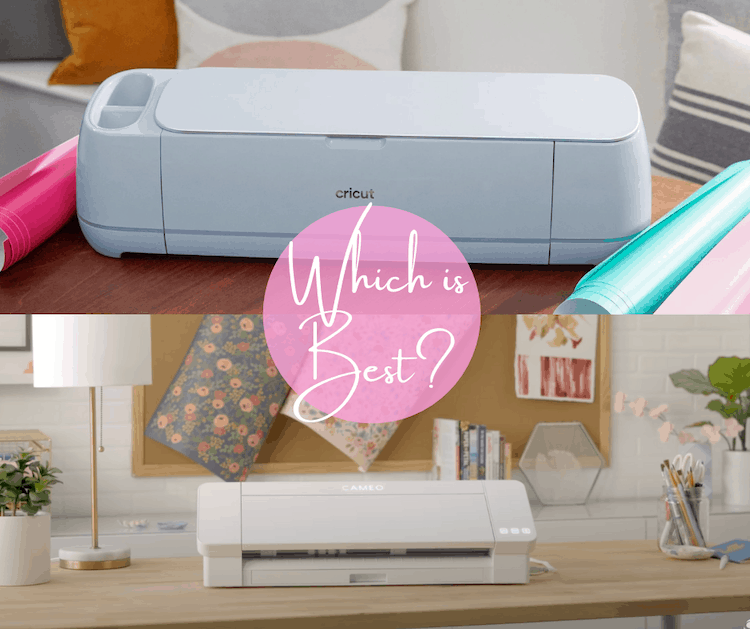
When it comes to cutting machines for DIY crafts, Cricut vs Silhouette is a hot debate among crafters. Both brands offer powerful tools for cutting vinyl, paper, fabric, and more, but they have key differences. Whether you're a hobbyist or a small business owner, choosing the right machine can make all the difference.
In this article, we’ll compare Cricut and Silhouette machines, explore their features, and help you decide which one suits your needs. Plus, we’ll share tips on how to use Cricut Explore Air 2, how to make a stencil with Cricut, and where to find free Cricut SVG files.
P.S.: We offer design services for Cricut machines, but we don’t own the brand.
Software & Design Flexibility
Winner? If you want more design freedom, Silhouette wins. For beginners, Cricut’s design Cricut software is simpler.
Cutting Precision & Materials
Both machines cut vinyl, cardstock, and HTV (for heat press Cricut projects). However:
Winner? Tie—depends on your project needs.
Pricing & Blades
Winner? Budget crafters may prefer Silhouette.
If you’re leaning toward Cricut, here are the top models:
Cricut Explore Air 2
Cricut Maker 3
Need designs? We create custom SVG files for Cricut—perfect for how to make Cricut stickers or how to make a sticker with Cricut projects!
Setting Up Your Machine
Making Stickers & Stencils
Finding Free Designs
Search for free Cricut SVG files on sites like DesignBundles or Creative Fabrica.
Both machines are fantastic—it all depends on your crafting style!
While we don’t own Cricut, we specialize in creating custom SVG files for Cricut machines. Whether you need heat press Cricut designs or sticker templates, we’ve got you covered.
Which machine do you prefer? Let us know in the comments! 🎨✂️